Vantage Launches Usage Budgets: Monitor Tokens and Provider Usage Units Alongside Cost
Track prepaid credits and usage commitments in native units such as tokens, instance-hours, and gigabytes, alongside existing Cost budgets.
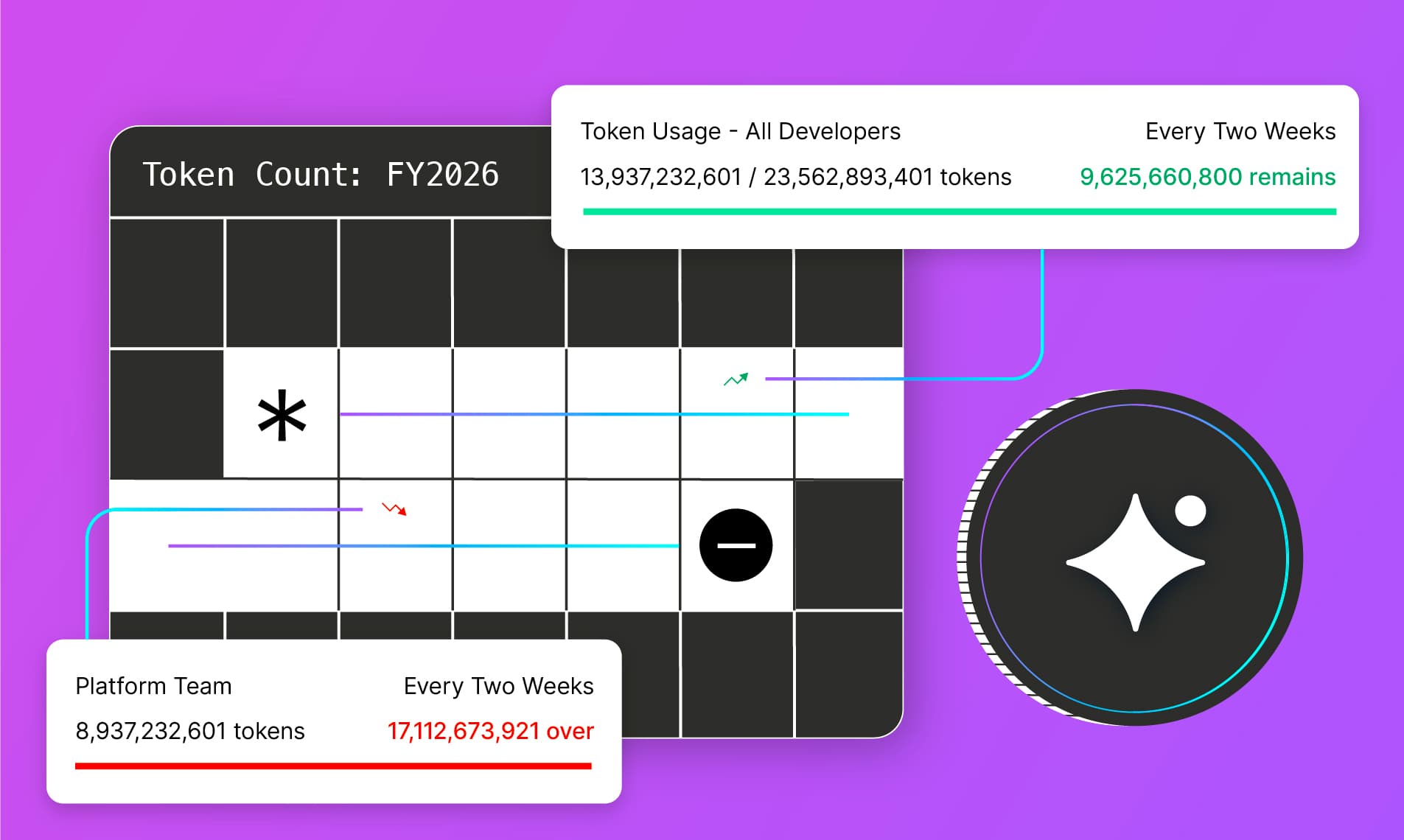

Today, Vantage is launching Usage Budgets, enabling users to track consumption across users, applications, and teams in usage units. Customers can now monitor and receive alerts for AI, cloud, and SaaS usage in units such as tokens, instance-hours, and gigabytes of storage.
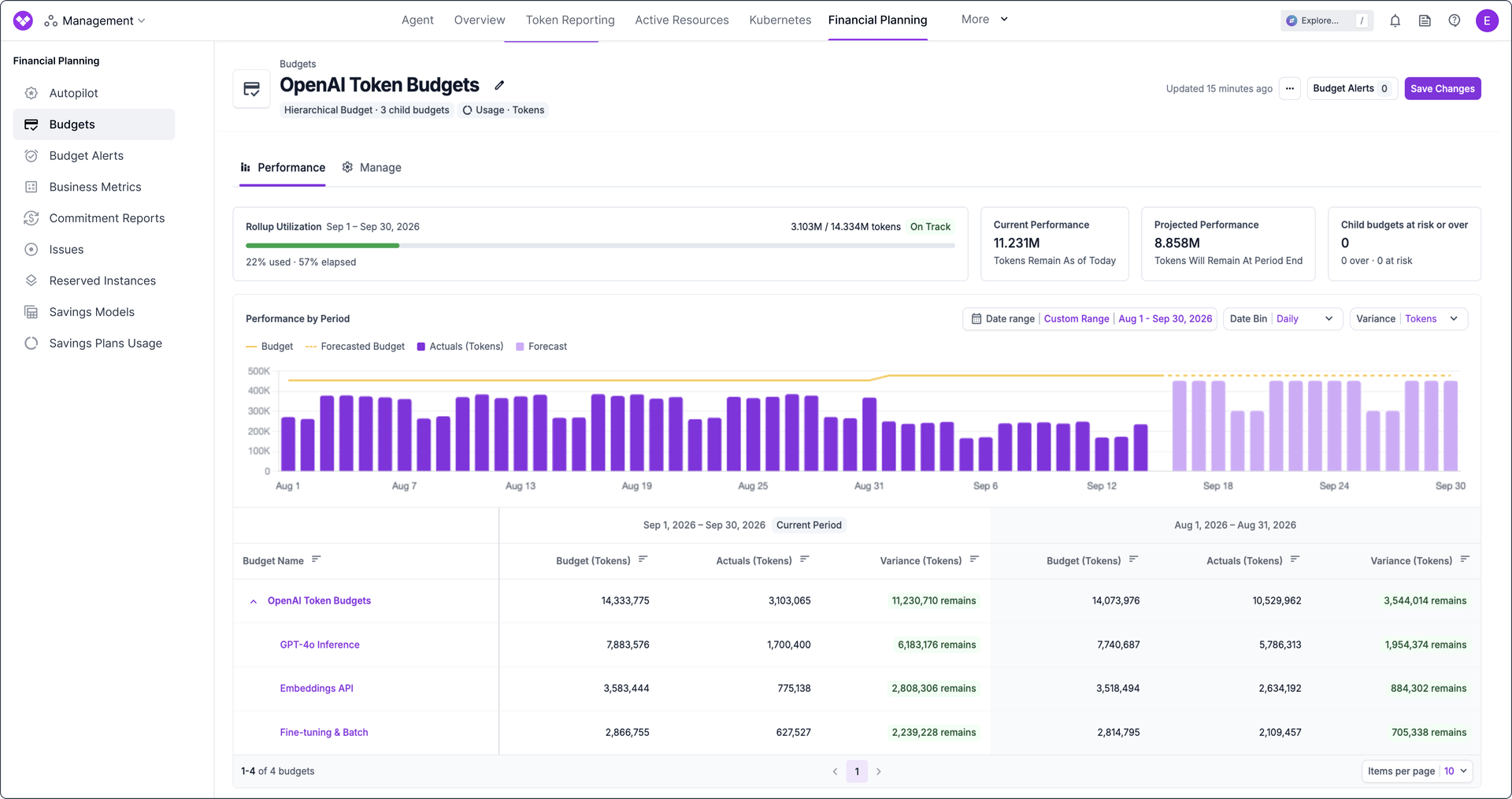
Previously, Vantage tracked budgets and sent budget alerts based on monetary values, helping teams avoid spend overruns in infrastructure environments. In many cases, customers also want to track consumption in usage units. This includes traditional cloud use cases such as monitoring total storage (GBs) across object, file, and block storage, or tracking CDN traffic to ensure consumption aligns with private pricing agreements. It also covers AI use cases, where prepaid credits can run out without clear provider notifications, leaving customers expecting a $0 bill only to receive a substantial overage invoice. Historically, this has required converting usage quantities to dollars in Vantage, which isn’t always a 1:1 match due to different pricing tiers or costs by usage type.
Now, customers can create a Usage Budget, allowing them to monitor consumption in usage units, and send budget alerts to teams when usage exceeds their allowed threshold, or if they are not on pace to hit their allotted amount. When creating a budget, you can select “Cost” or “Usage”. After selecting a Cost Report for a Usage budget, choose a usage unit available on that report, such as tokens, EC2 instance-hours, or GBs of data transfer, and define usage targets for each budget period. Vantage compares actual and projected usage against those targets and notifies teams when actual usage surpasses budget alert thresholds.
To get started, navigate to Budgets in the console and create or edit a budget with Usage as the budget type. For more information on how to get started, see the Budgets documentation.
Frequently Asked Questions
1. What is being launched today?
Vantage is launching Usage Budgets, allowing customers to define budget targets, monitor performance, and configure alerts using a usage quantity instead of cost.
2. Who is the customer?
Usage Budgets are for users such as finance leaders, procurement specialists, and engineering managers who track consumption in the same units their providers meter, such as tokens, credits, gigabytes, or instance-hours. They’re especially useful for tracking prepaid credits and usage commitments.
3. How much does this cost?
There is no additional cost for Usage Budgets.
4. How do I create a Usage budget?
Navigate to Budgets in the console and select “New Budget”, or open an existing budget’s Manage tab and, in the Budget Type drop-down, select “Usage”. From there, select a cost report to track and the usage unit you wish to measure based on available usage units within that cost report. You can then define the period length you wish to track, and allocate a consumption amount for each period.
5. Do I need to make any changes to my existing Budgets or Budget Alerts?
No. All existing budgets remain Cost budgets unless you edit them.
6. What usage quantities can I track with a Usage budget?
Any usage-based measure already available in your connected cost and usage data—for example, tokens consumed against an AI provider, EC2 instance-hours, or GBs of data transfer. Each Usage Budget tracks a single usage unit. If a report contains multiple units, select the one you want the budget to measure.
7. Can I configure alerts on Usage Budgets?
Yes. Usage Budget Alerts work the same as Cost Budget Alerts—the alert will notify recipients when actual usage exceeds a configured threshold of the budget target.
Budget Alerts also work with hierarchical Usage Budgets when every budget in the hierarchy uses the same usage unit.
8. Who can create or edit Usage Budgets?
Owners, Team Owners, and Team Editors can create and manage budgets, including Usage Budgets, subject to workspace and team access.
9. Can I have both a Cost-based and Usage-based budget in the same hierarchical budget?
No, you must have the same budget types throughout a hierarchical budget.
10. Can I mix Usage Units within a hierarchical Usage Budget?
No, every budget in a hierarchical Usage Budget must use the same usage unit.
11. Can I have the same Cost Report assigned to a usage-based budget and a cost-based budget?
Yes, you can assign both a Cost-based and a Usage-based Budget to one Cost Report. Switch between the two cost settings to see Budget performance on the Cost Report.
This gives customers a single source-of-truth report for tracking both token consumption and the costs associated with developer AI spend, for example.
12. Can I switch a Cost Budget to Usage after it has been created?
Yes, from the budget’s Manage tab. It is important to note that changing the Budget Type or usage unit deletes all existing budget periods. You must re-enter the period amounts after the change.
13. What happens if my cost report has no usage units?
You cannot create a Usage Budget on that Cost Report. This happens when the providers or line items in the report do not include metered usage quantities—only dollar charges. For example, a report limited to marketplace fees, support charges, or a provider that bills in currency without publishing a usage unit will have no units to budget against.
Choose a Cost Report that includes provider usage data (such as tokens, hours, or GB), or keep the budget as a Cost Budget.
14. Can I create or update Usage Budgets via CSV upload?
Yes, in addition to the existing required fields of Budget Name and Periods, you will need to supply two additional columns: Budget Metric and Usage Unit. For example: usage and Tokens
15. Can I create, update, and delete Usage Budgets via the Vantage MCP or FinOps agent?
Yes, the Vantage MCP and FinOps agent can create, update, and delete Usage Budgets with your guidance. These tools can also help you perform budget analysis.
16. Can I create and manage Usage Budgets through the API?
Yes. Send type as usage and unit as the usage unit from the Cost Report when calling POST /v2/budgets. The following example creates a monthly Tokens Usage Budget of 1,000,000 tokens starting January 1, 2026:
17. Can I create and manage Usage Budgets through Terraform?
Yes. Set type to usage and unit to the usage unit from the Cost Report on the vantage_budget resource. The following example creates the same monthly Tokens Usage Budget:
Sign up for a free trial.
Get started with tracking your cloud costs.