Vantage Launches Snowflake Data Sharing
Query your Vantage cost and usage data directly from your own Snowflake account using Snowflake Secure Data Sharing.
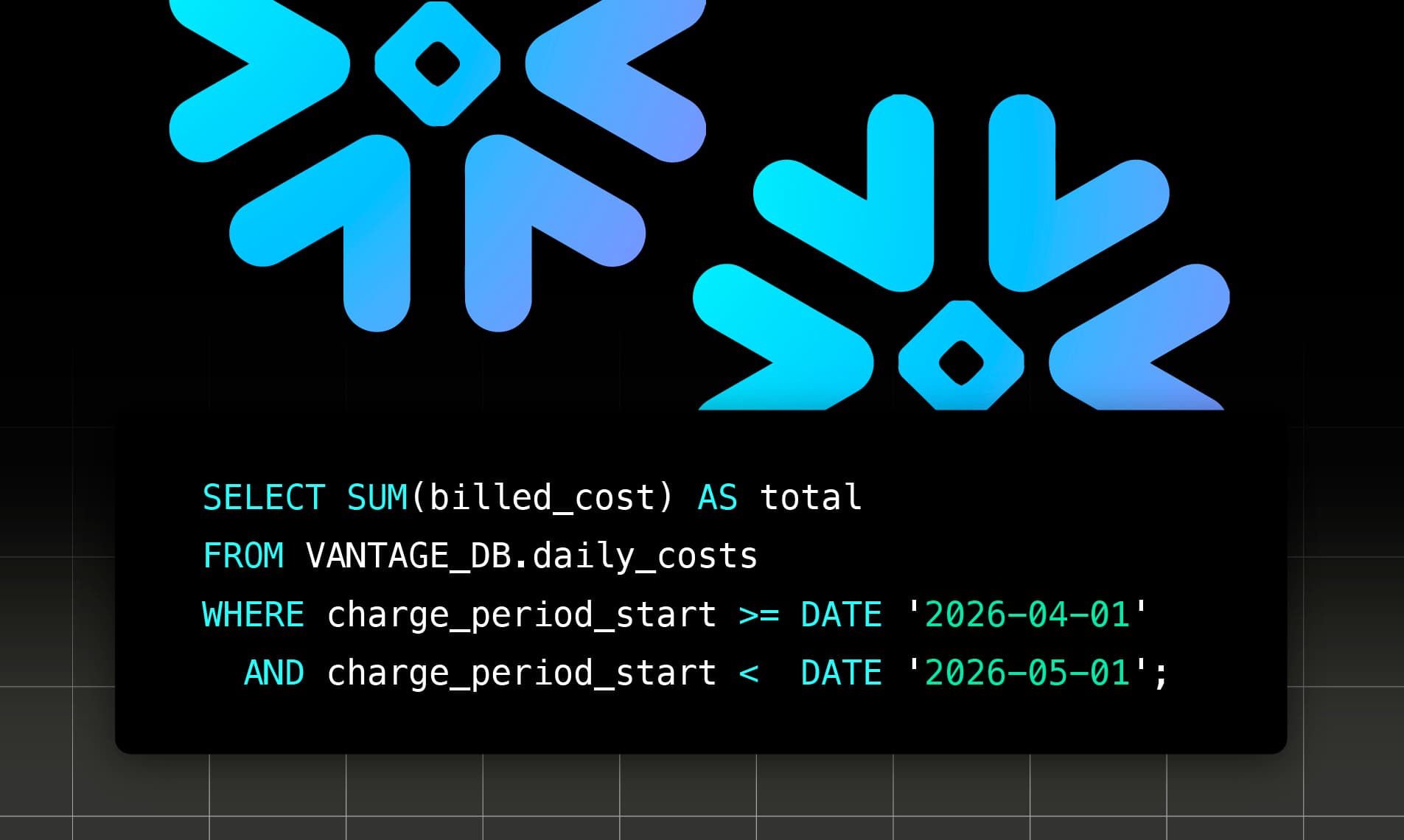

Today, Vantage is announcing Snowflake Data Sharing, a new way for customers to access their cloud cost and usage data directly from their own Snowflake account. Utilizing Snowflake Secure Data Share, customers can now query their cost and usage data across every connected provider in Vantage using SQL inside Snowflake.
Customers can now directly query their Vantage cost and usage data directly in Snowflake via Secure Data Sharing.
Previously, customers performing external analysis on Vantage data relied on the Vantage API and one-off CSV exports. While effective for one-time pulls or lightweight automation, those approaches required data engineering teams to build and maintain ingestion pipelines to keep external datasets up to date. The dynamic nature of cloud cost data, where providers frequently update costs as bills are finalized, meant teams had to either ingest only incremental changes or rebuild large historical datasets to stay accurate. The result was complex ETL pipelines for teams using Vantage data outside the platform.
Snowflake Data Sharing replaces that pipeline with a managed, read-only share, allowing customers to query their fully processed, normalized cost data directly from their own data environments. After enabling, customers will receive a Snowflake Secure Data Share scoped to their Vantage account that spans all connected providers in their Vantage account. Provider tags and Vantage Virtual Tags are included, so they are queryable without any extra configuration on the customer's side. This enables teams to run warehouse-native analytics, join infrastructure cost data with other business metrics, and power external BI tools without building or maintaining custom ingestion pipelines.
Snowflake Data Sharing is available now. To get started, customers should contact support@vantage.sh or their account team to enable the feature. For more information, including the daily_costs schema and a query cookbook, see the Snowflake Data Sharing Documentation.
Frequently Asked Questions
1. What is being launched today?
Vantage is launching Snowflake Data Sharing, which gives a customer's Snowflake
account read-only SQL access to a daily_costs table containing the same processed, normalized cost data that backs Vantage Cost Reports. Access is delivered through Snowflake Secure Data Sharing; nothing is copied into the customer's account.
2. Who is the customer?
This feature is available to contracted Vantage Enterprise customers.
3. How much does this cost?
Pricing for this feature is determined on a per-customer basis. For more information, customers should contact support@vantage.sh or their account team.
4. What do I need to get access?
To get access, currently contracted Enterprise customers can reach out to support@vantage.sh or directly notify your account team. Once enabled, you can complete setup yourself by navigating to Settings > Integrations > Snowflake Export in the Vantage console and providing your Snowflake Data Sharing Account Identifier (in the form ORGNAME.ACCOUNTNAME) and the AWS region where your Snowflake account is hosted. Vantage then provisions the Secure Data Share. Once ready, the share appears automatically in your Snowflake account under Data Sharing > Shared with you. See Get Access and Connect the Share in Snowflake for the full setup steps.
5. How does it work or how do I use it?
Vantage makes your processed cost data available to your Snowflake account through a managed Secure Data Share. Once Vantage provisions the share for your account, you mount it as a Snowflake database, grant query privileges to the role of your choice, and query it from SQL like any other Snowflake database. The data inside the share is kept continuously in sync with what you see in the Vantage console; you do not run an ingestion job and there is no refresh schedule to manage on your side. The full retention range available in your Vantage account is backfilled into the share when Snowflake Data Sharing is enabled. There is no separate request needed to load history.
Once the share is ready, you can follow the steps in the documentation to connect to the share. Note that this integration is separate from the cost integration for Snowflake in Vantage.
6. What data is available through Snowflake Data Sharing?
The share exposes a single canonical table, daily_costs, containing one row per resource per SKU per day across every provider connected to your Vantage account. Columns follow Vantage's VQL syntax, so the same dimensions, charge categories, and cost columns you use to build VQL queries in Vantage Cost Reports map directly to columns in daily_costs. Both provider tags and Virtual Tags are included automatically and are represented in a single JSON-encoded tags column.
Other Vantage data sources, such as data from Kubernetes Efficiency Reports, Network Flow Reports, Recommendations, and more will be available in the future.
7. What columns are in the daily_costs table?
Review the documentation for a full list of available columns.
8. Are my allocation-based Virtual Tags present?
Not at launch. Virtual Tags that use cost allocation, specifically Business Metrics-Based,
Cost-Based, and Percent-Based allocations, are computed separately inside Vantage and do
not yet flow into daily_costs. Adding allocation-based Virtual Tags to the share
is on the roadmap.
9. How up to date is the data?
Data in the daily_costs table matches what you see in the Vantage console for each provider. To check freshness from SQL, view the example Table Update History query in the documentation to determine the last time the table was updated.
10. How do I match my existing Cost Report toggles in SQL?
The discount and amortization toggles in Cost Reports map to the choice of charge_category
values and the choice of billed_cost vs. amortized_cost. See the documentation for details on how to match Cost Report toggles.
11. What happens if my data changes or is reprocessed?
As Vantage processes new data or reprocesses existing data, for example, when tagging changes or a cloud provider updates historical costs, those updates are reflected automatically in the share. Queries always return the latest available data, in sync with Vantage. There is nothing to truncate-and-reload on the customer side.
12. What permissions and access controls are in place?
The share is one-way and read-only. Vantage cannot read from or write to your Snowflake account,
and your account cannot modify data through the share. The share is provisioned specifically for
the Snowflake account identifier you supply, so customers can only access their own data.
Inside Snowflake, your account admin controls which roles can query the shared database
using standard Snowflake RBAC (GRANT IMPORTED PRIVILEGES ON DATABASE … TO ROLE …).
13. What costs will I incur when I query data via my Snowflake warehouse?
You pay Snowflake for the compute (warehouse credits) used by your queries; Vantage does
not charge per query. The daily_costs table is partitioned by provider and month. To keep query cost predictable, filter on charge_period_start, scope to the providers you care about, and size your warehouse to your workload.
14. Is there a way to only make certain data available?
Not at this time. Vantage currently makes all integrated providers available in the data share. Inside Snowflake, customers can create their own views, masking policies, and role-based access on top of the shared database to expose only certain providers, accounts, columns, or tag values to specific users in their organization. Server-side scoping at the Vantage level (e.g., restricting the share to a subset of providers or workspaces) is on the roadmap.
15. I am an MSP. How does this work for my managed accounts?
The share is scoped to the data available in the specific Vantage account it is provisioned for. For MSPs, this means the share you receive corresponds to the Vantage account where Snowflake Data Sharing is enabled. If you want separate shares for separate managed customers, the feature can be provisioned on each underlying Vantage account.
16. If I have opted into the two-day cost delay in the Vantage UI, is that represented in the data in Snowflake?
Vantage currently sends all data to Snowflake to provide the most up-to-date data possible. You can choose to filter this out yourself with the following query:
17. Where can I learn more about query structures?
For more information about query structure, such as how to view your current month costs, view unique services per provider, update history of the table, and see partitioning, see the Query Cookbook and Query Efficiency sections of the documentation.
Sign up for a free trial.
Get started with tracking your cloud costs.